Service module
Installation, warranty and AMC management for signage and installed assets
A sign that flickers, a screen that goes blank, a letter that falls off after the monsoon: every such call is a ticket with a site, a technician, a visit, spare material and a customer confirmation. The service module keeps the whole chain on record, so warranty and AMC obligations are met and every visit is costed.
Every complaint from every installed site becomes a ticket, a visit and a closure that the customer confirmed.
The problem
After installation, service runs on phone calls and goodwill
Complaints land on the owner’s phone, the sales person’s phone and the installation head’s phone, and nobody knows which are still open.
- 02Warranty claims are argued from memory because the installation date and scope are not on hand.
- 03AMC contracts are signed, but the scheduled visits are missed and the customer notices first.
- 04A technician goes to the site, finds a fault, and the spare part he used is never billed or deducted from stock.
- 05The same site has been visited four times for the same LED module and nobody has connected the dots.
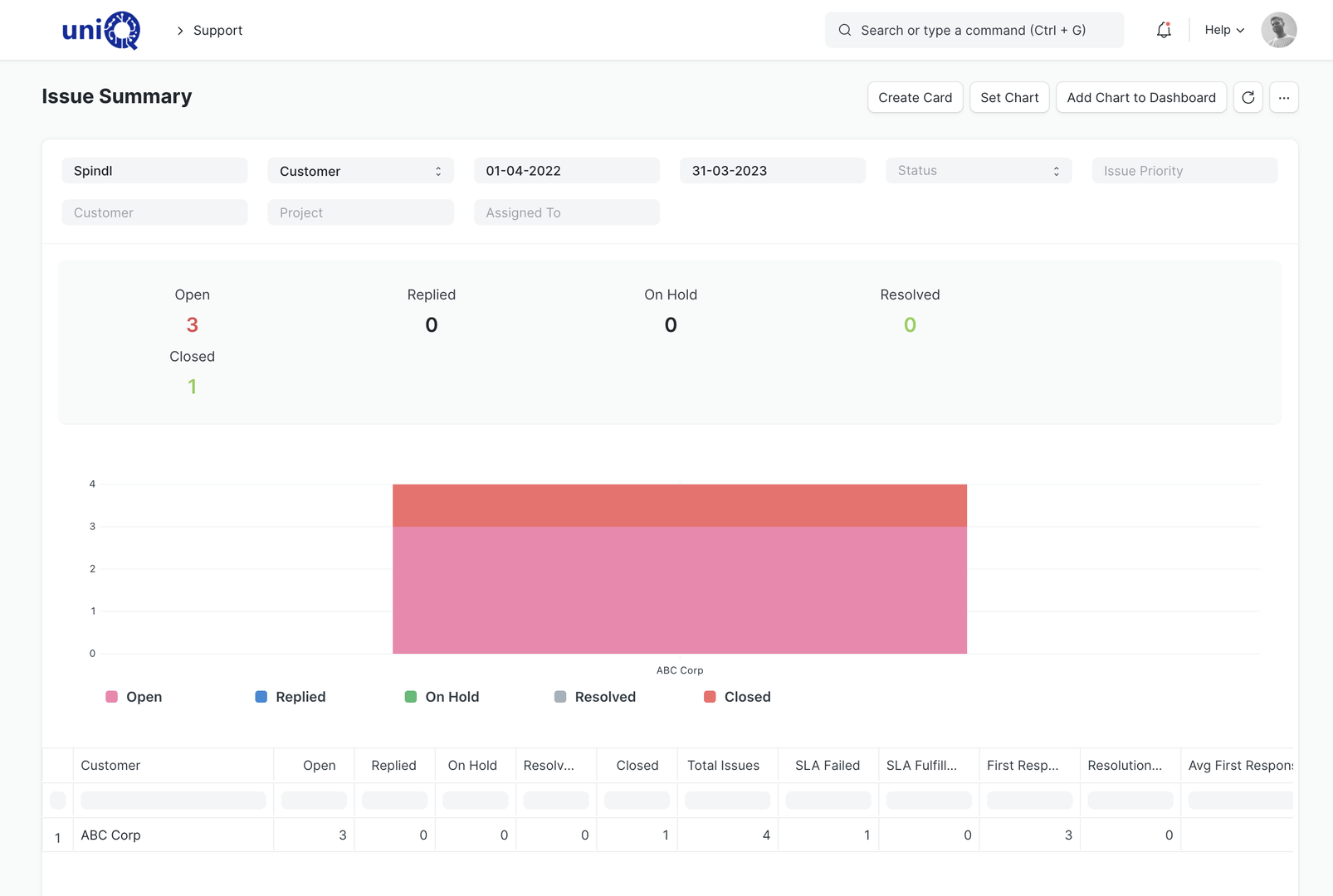
- 06Response and resolution times are promised in the AMC but never measured.
- 07Service costs sit inside general expenses, so the true cost of a bad installation is invisible.
What it does
One ticket per complaint, one record per site visit
Complaints from any channel become tickets linked to the customer, site, project and installed item. Technicians are assigned, visits are scheduled and recorded, spare material used on site is tracked, and the ticket closes with a customer confirmation. AMC contracts drive scheduled visits; SLAs measure response and resolution against what was promised.
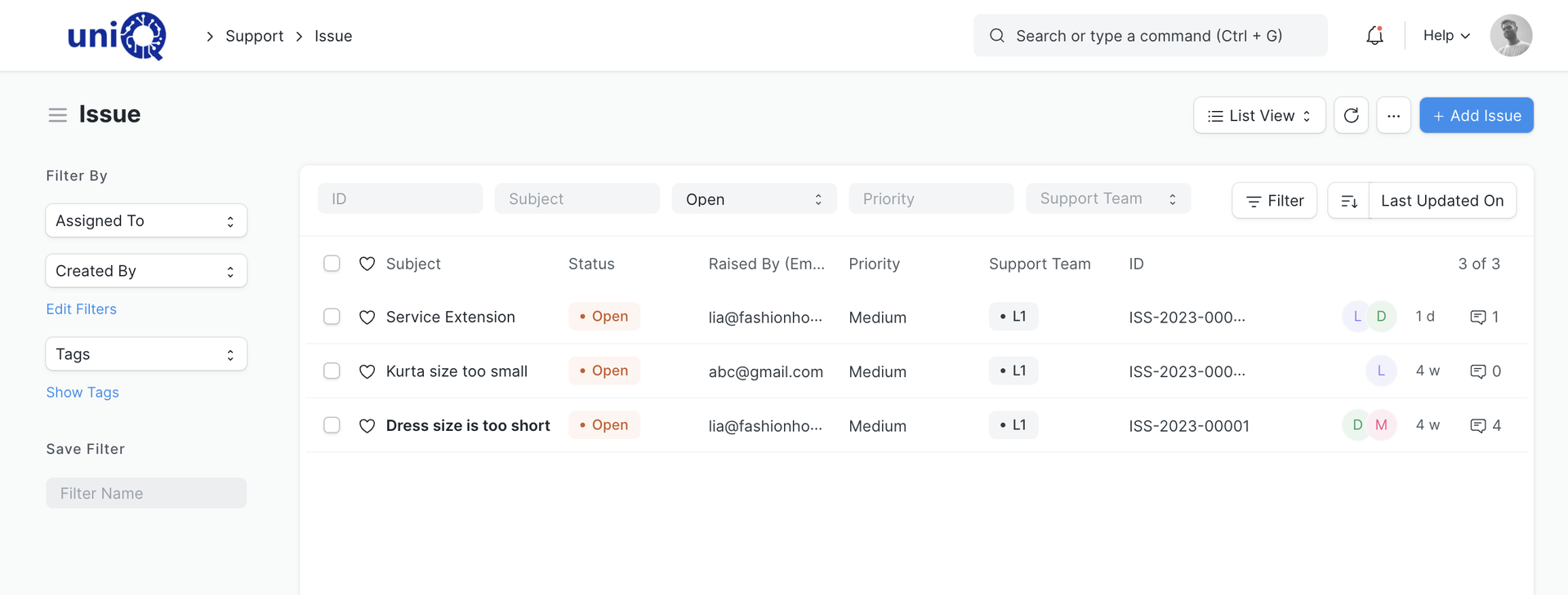
- Customer complaints captured as issues (tickets) from email, phone, portal or the office
- Ticket linked to customer, site, project and the installed item or serial numberConfigured
- Installation defects logged as tickets against the installation project for snag lists and rectificationConfigured
- Warranty claims with warranty period, covered scope and claim status on the installed item
- AMC contracts as maintenance schedules: contract period, visit frequency and covered items
- Scheduled maintenance visits generated from the AMC schedule
- Site visits recorded as maintenance visits with date, technician, work done and completion status
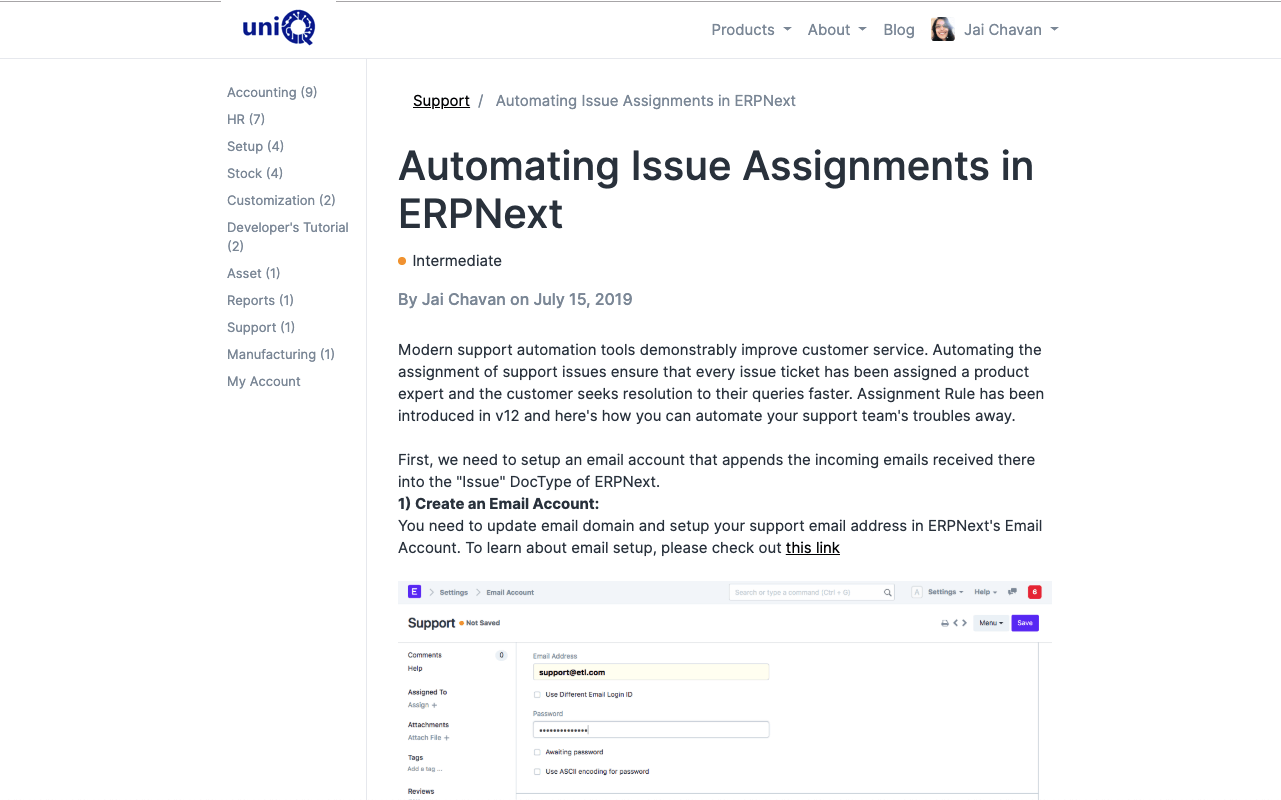
- Technician assignment: manual or by assignment rules based on region, customer or issue type
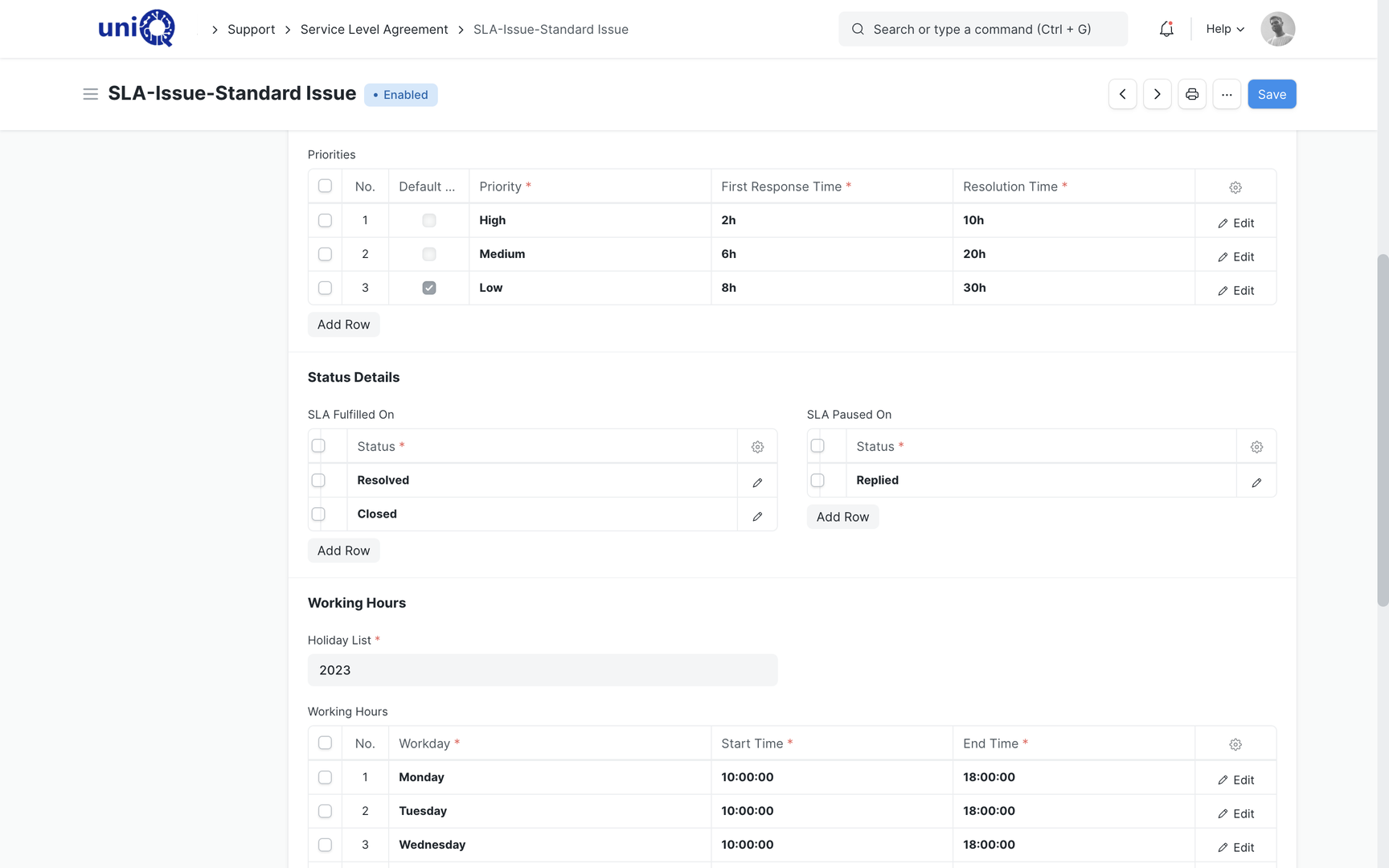
- Service level agreements with response and resolution times per priority and working hours
- Spare parts: material used on a visit issued from stock and billed or covered under warrantyConfigured
- Service history per customer, site and installed item: every ticket and visit in one timeline
- Customer portal for raising tickets, attaching photos and tracking status
- Service reports: visit report with work done, photos and customer sign-off as a print formatConfigured
- Ticket priority, escalation and follow-up reminders
- Service billing: chargeable visits and spare parts invoiced from the ticketConfigured
- Knowledge base articles for common faults and installation guidelines
In a signage business
Service situations a signage business handles every week
- 01
LED sign not lighting
Customer calls in. Ticket records the site and the installed sign; technician is assigned; visit records the faulty module and the replacement issued from stock; ticket closes on customer confirmation.
- 02
Installation snag list
After handover the customer sends a punch list. Each item becomes a ticket against the project so rectification is tracked and the final bill can be released.
- 03
Warranty claim on a digital screen
Screen fails within warranty. The ticket shows the installation date and serial number, the claim is recorded, and the supplier warranty is pursued in parallel.
- 04
AMC for a retail chain
Quarterly visits to every store are generated from the contract. Missed visits show as overdue; completed visits carry the technician and the report.
- 05
Storm or monsoon damage
Multiple sites report damage in a week. Tickets are prioritised by SLA, technicians are routed by region, and the chargeable repairs are quoted and billed.
- 06
Repeat fault at one site
Service history shows the same site has had three visits for the same issue. The ticket is escalated for a root-cause fix instead of another patch.
Key workflows
From complaint to confirmed closure
Complaint becomes a ticket
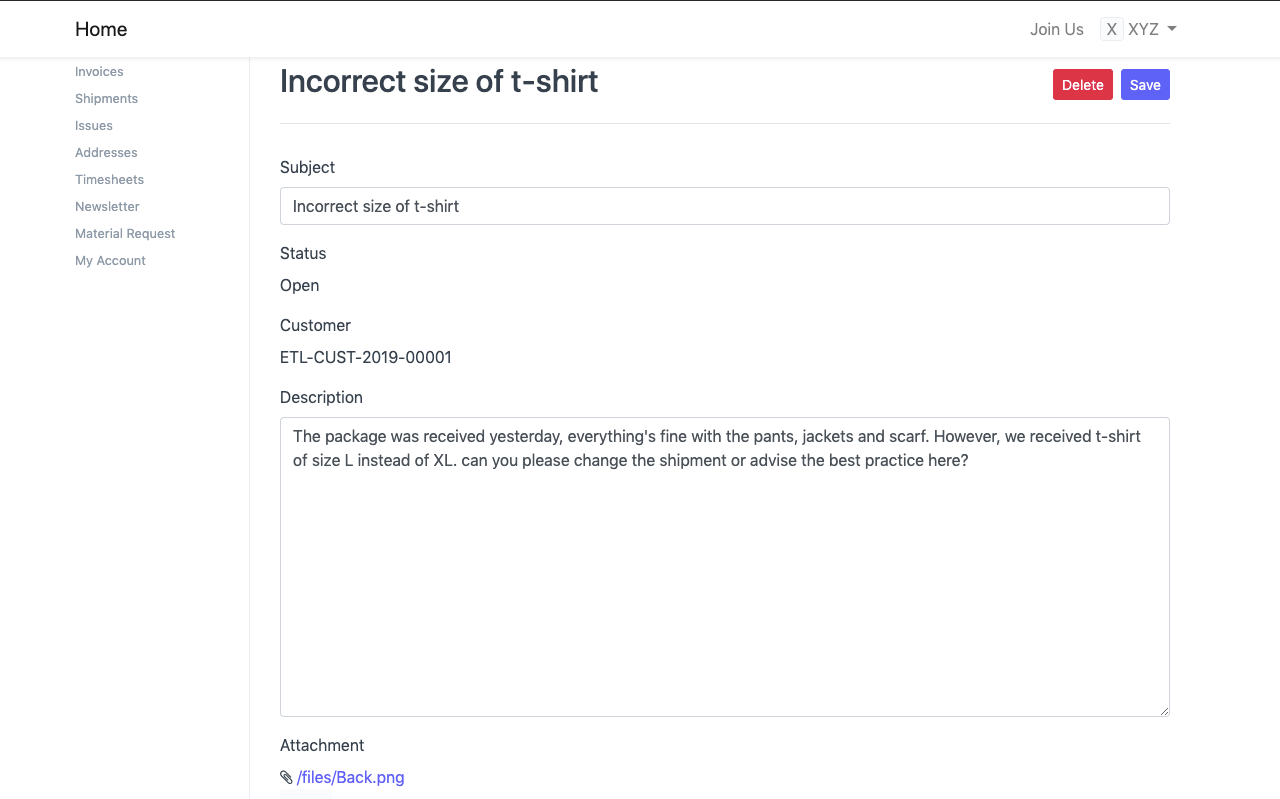
A call, email or portal entry creates a ticket with the customer, site, installed item and description. Photos from the customer are attached. Priority sets the SLA clock.
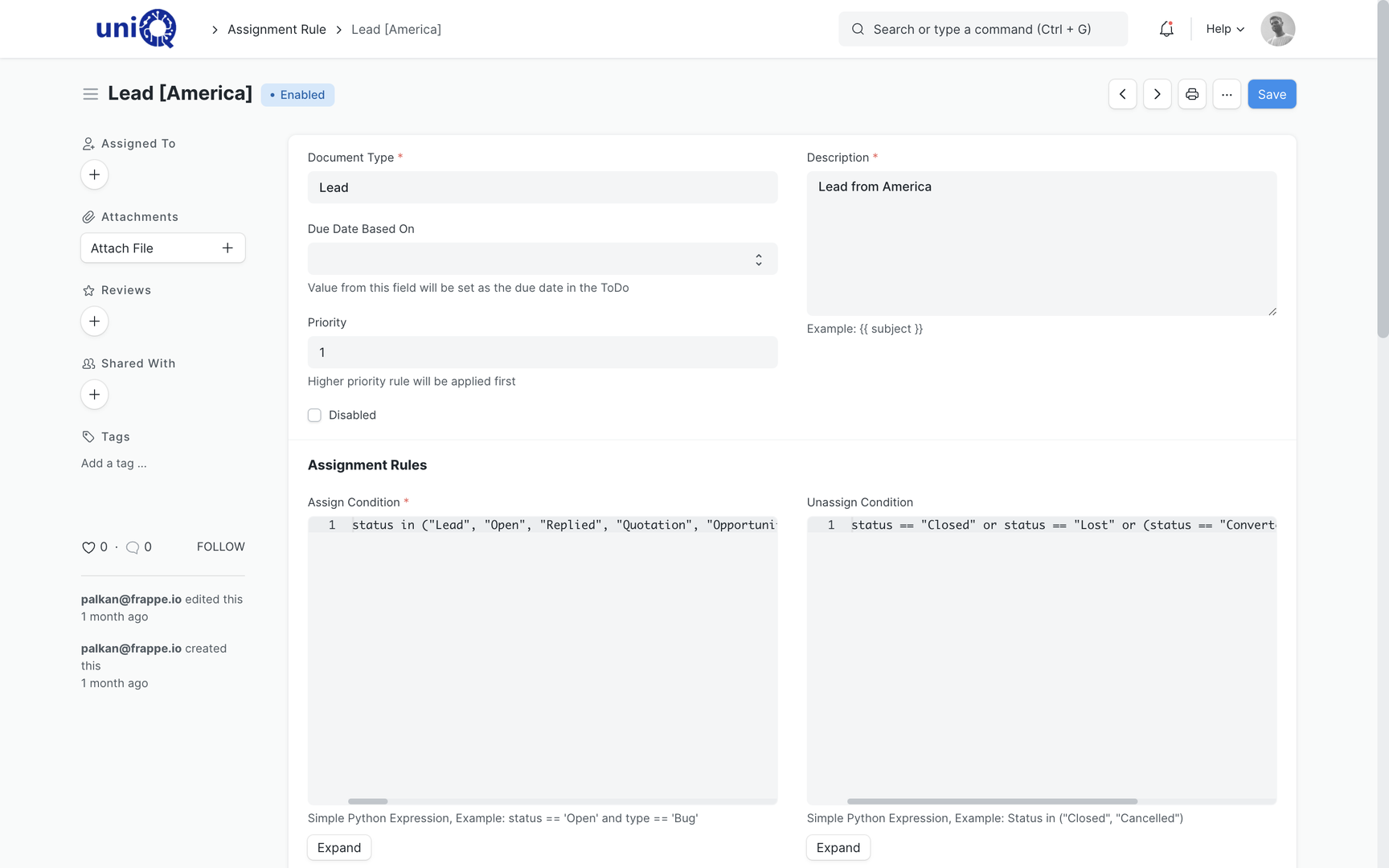
Technician assigned and SLA started
Assignment rules route the ticket to the right technician or team by region or issue type. Response and resolution times are tracked against the SLA for that customer or AMC.
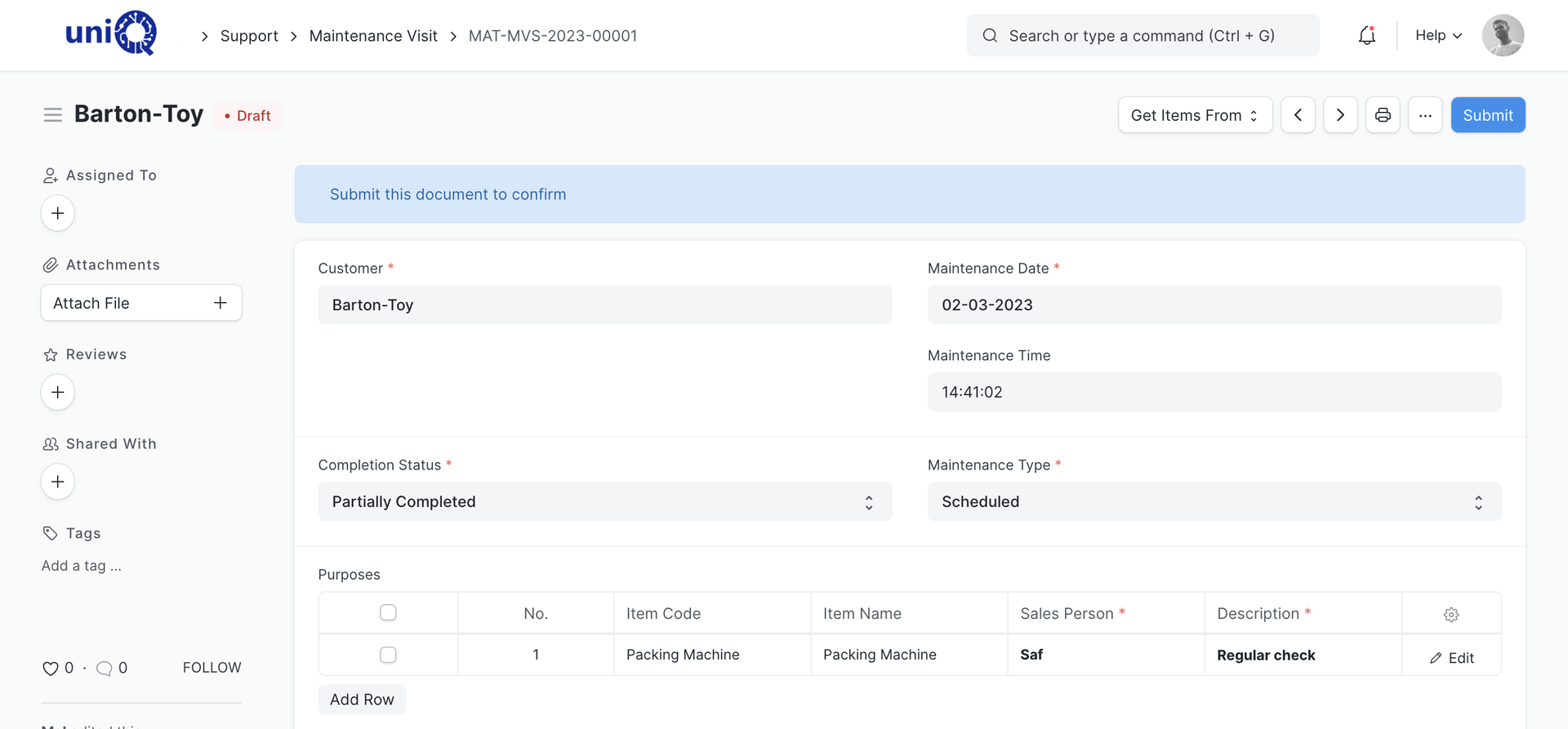
Site visit scheduled and recorded
The visit is created with date, time and technician. On site, the technician records what was found, what was done and whether the work is complete or a second visit is needed.
Spare material recorded
Modules, drivers, vinyl or fixings used on the visit are issued from stock against the ticket. Warranty items are recorded as no-charge; chargeable items are ready for invoicing.
Customer confirmation and closure
The service report goes to the customer for confirmation. On acceptance the ticket is closed, the service history is updated and any chargeable work is billed.
Screens
What your team works in
Layouts, naming and print formats are configured to your business during implementation.
Business outcomes
What changes for the owner and the service head
- Every complaint is a ticket with an owner, not a message on someone’s phone.
- Warranty and AMC obligations are on record, so disputes are settled from data.
- Scheduled AMC visits are generated and tracked; missed visits are visible before the customer calls.
- Spare parts used on site are deducted from stock and billed where chargeable.
- Repeat faults at a site or on a product are visible from the service history.
- Response and resolution times are measured against the SLA promised to each customer.
- The cost of service per project and per customer is known, which feeds the next quotation.
- Customers can raise and track tickets themselves on the portal.
Connected
Service starts where the project ends
Installed items, serial numbers, sites and warranty dates come from the project and sales records. Spare parts come from stock. Chargeable visits are invoiced in finance. Technician visits appear in attendance and expenses.
External integrations, scoped separately
- Email account to convert incoming complaints into tickets
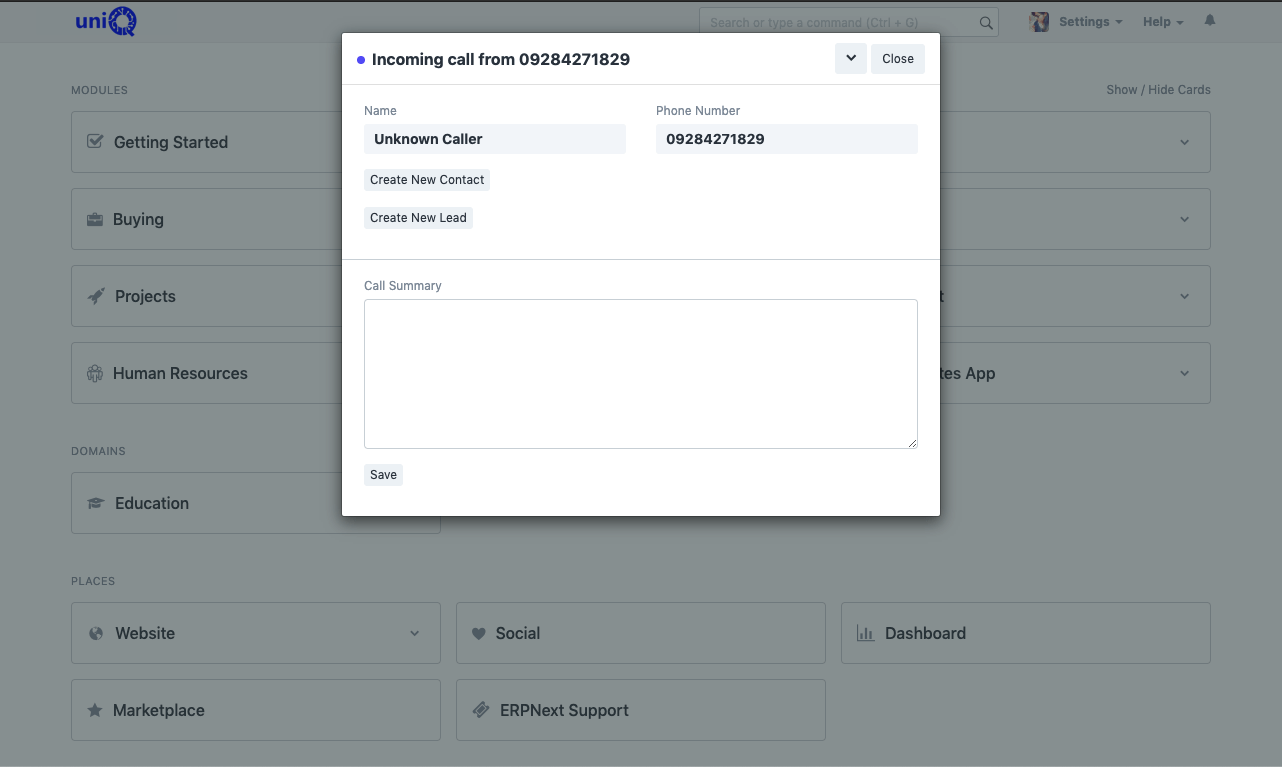
- Telephony popup for incoming calls
- WhatsApp or SMS updates to customers on ticket status
Who uses it
Who works in the service module
- ODOwner / Director
- SHService Head
- SCService Coordinator
- FTField Technician
- IHInstallation Head
- SIStores In-charge
- AMAccounts Manager
- CCustomer (portal)
FAQ
Service Center: common questions
Can we run AMC contracts with scheduled visits?
Yes. A maintenance schedule holds the contract period, items and visit frequency. Visits are generated from it and tracked to completion.
How are spare parts on a visit handled?
Material used on a visit is issued from stock against the ticket. Whether it is covered under warranty or chargeable is recorded so the invoice is correct. This link is configured during implementation.
Can technicians update tickets from the site?
Yes, from a phone browser or the mobile app. They can record the visit, attach photos and mark completion status.
Can the customer sign off a visit?
The service report is a print format that can be shared for sign-off, and the customer can confirm closure from the portal. The report layout is configured to your format.
See ClassicNext running your business
A 30-minute fitment call: we understand your current process, show the modules that matter to you, and give indicative pricing. No generic tour.
Prefer to start smaller? Get a process audit or request pricing.