CRM module
B2B project sales, from first enquiry to customer PO
Signage and branding deals are won over weeks: a site visit, a requirement list, an estimate, three quotation revisions and a negotiation. The CRM keeps that whole trail on one opportunity record, so the pipeline is real, follow-ups happen, and the PO that finally arrives becomes a project without re-typing.
Every enquiry tracked from site survey to customer PO, with the quotation version that won it.
The problem
The pipeline is in the sales head's diary
Enquiries come by phone, email and referral, and only the ones someone remembers get followed up.
- 02Nobody knows how many quotations are open this month, or what they add up to.
- 03The site survey is a set of photos on a phone; the requirement list is a voice note.
- 04Quotation revision four is sent, but the customer replies against revision two.
- 05A deal is lost and the reason is never recorded, so the same mistake is made on the next tender.
- 06Tender deadlines, eligibility documents and submission status are tracked on a whiteboard.
- 07The customer PO arrives and the project starts from scratch, as if the quotation never existed.
What it does
One opportunity record from lead to project
The CRM module records every lead with its source and owner, moves it through the stages a project sale actually goes through, and keeps the survey, requirement, estimate, quotation versions and follow-ups together. When the PO arrives, the opportunity becomes a sales order and a project with the history intact.
- Leads with source, territory, industry and salesperson assignment
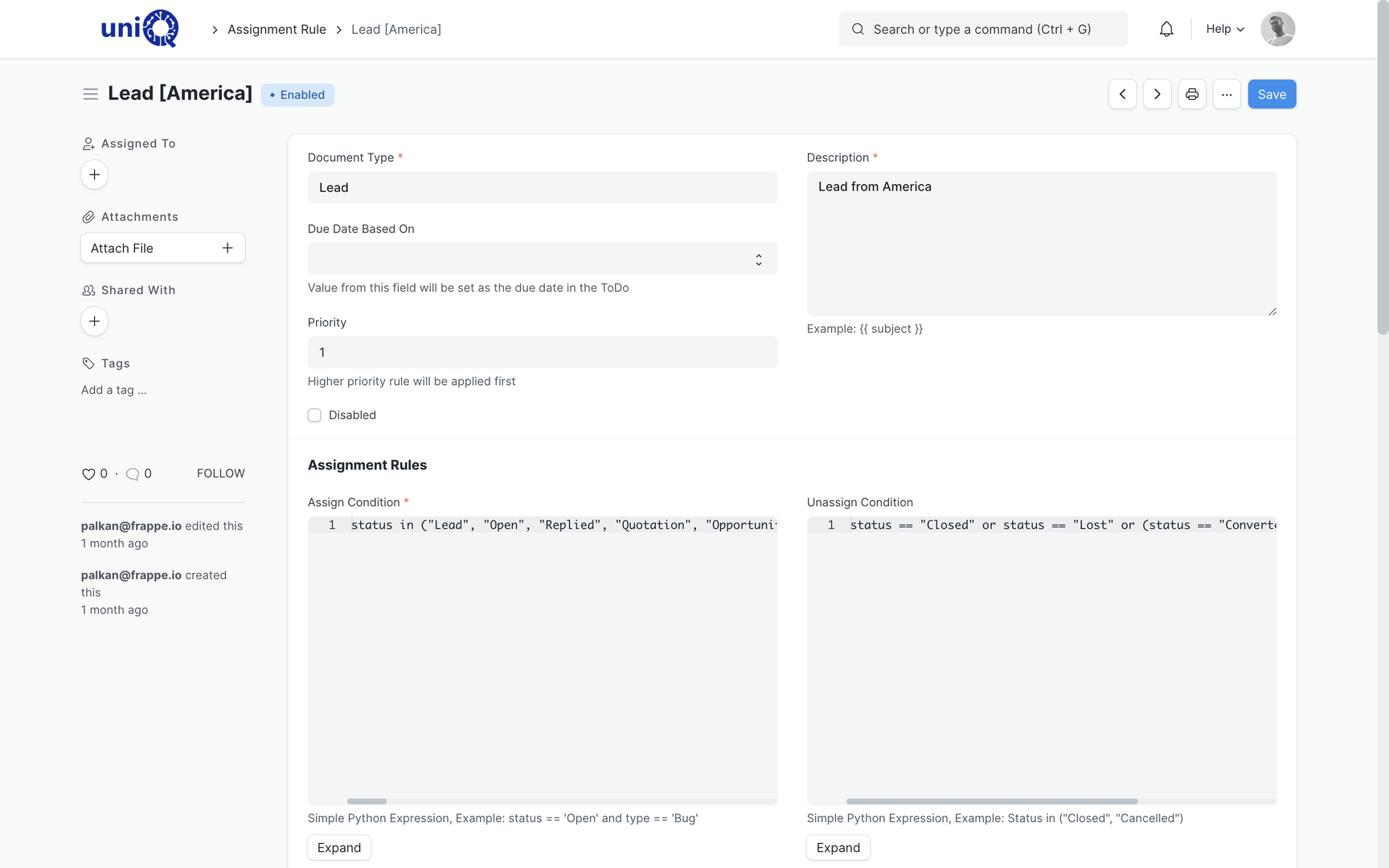
- Automatic assignment rules by territory, product line or round robin
- Opportunities with expected order value, expected closing date and probability
- Expected margin on the opportunity, from the estimateConfigured
- Site survey and requirement capture as fields and attachments on the opportunityConfigured
- Estimation and BOQ built from item templates, then carried into the quotationConfigured
- Quotations with versioning, so each revision is kept and the accepted one is marked
- Follow-up reminders and to-dos assigned to the salesperson with due dates
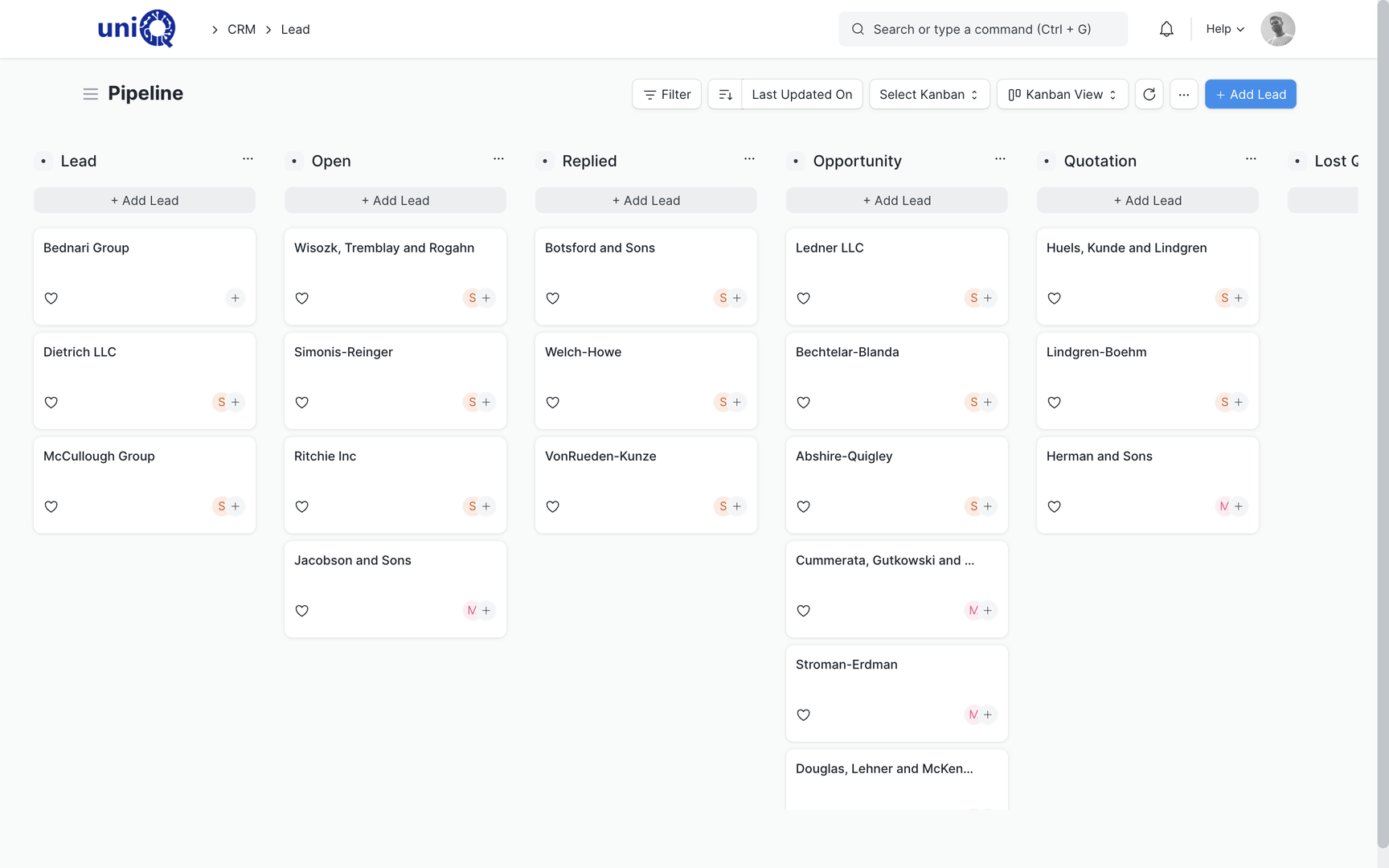
- Sales pipeline by stage, salesperson, territory and expected value
- Lost-reason tracking on every lost quotation or opportunity
- Tender opportunity tracking: deadline, eligibility, documents and submission status as a configured opportunity typeConfigured
- Sales activity history: calls, emails, visits and notes on the record timeline
- Email account linking, so customer emails attach to the lead or opportunity
- Customer and contact master with multiple contacts and addresses per account
- Reports on lead owner efficiency, conversion by stage and quotation trends
In a signage business
Sales situations a signage or branding business handles every week
- 01
Retail chain rollout enquiry
A brand asks for forty store fascias. The opportunity holds the site list, survey photos per site, the estimate and each quotation revision until the framework PO arrives.
- 02
Corporate office branding
Reception signage, wayfinding and wall graphics estimated as one BOQ; the architect and the client contact both live on the same opportunity.
- 03
Government or PSU tender
The tender is tracked with its deadline, eligibility checklist, EMD, document set and submission status, and converted to a project if awarded.
- 04
Repeat customer, new site
The new enquiry is linked to the existing customer, so the last quoted rates and the previous project history are one click away.
- 05
Dealer or channel enquiries
Leads from dealers and referral partners tagged by source, so the owner can see which channels actually convert.
- 06
AMC renewal
Expiring maintenance contracts appear as opportunities with a follow-up date, so renewals are chased before they lapse.
Key workflows
From lead to customer PO to project
Capture the lead and assign it
Leads are created from email, the website form or a phone call, with source and territory. Assignment rules hand the lead to the right salesperson with a due date for first contact.
Qualify into an opportunity
A qualified lead becomes an opportunity with expected value, closing date and the products or services involved. The pipeline board now shows it at its stage.
Site survey and requirement capture
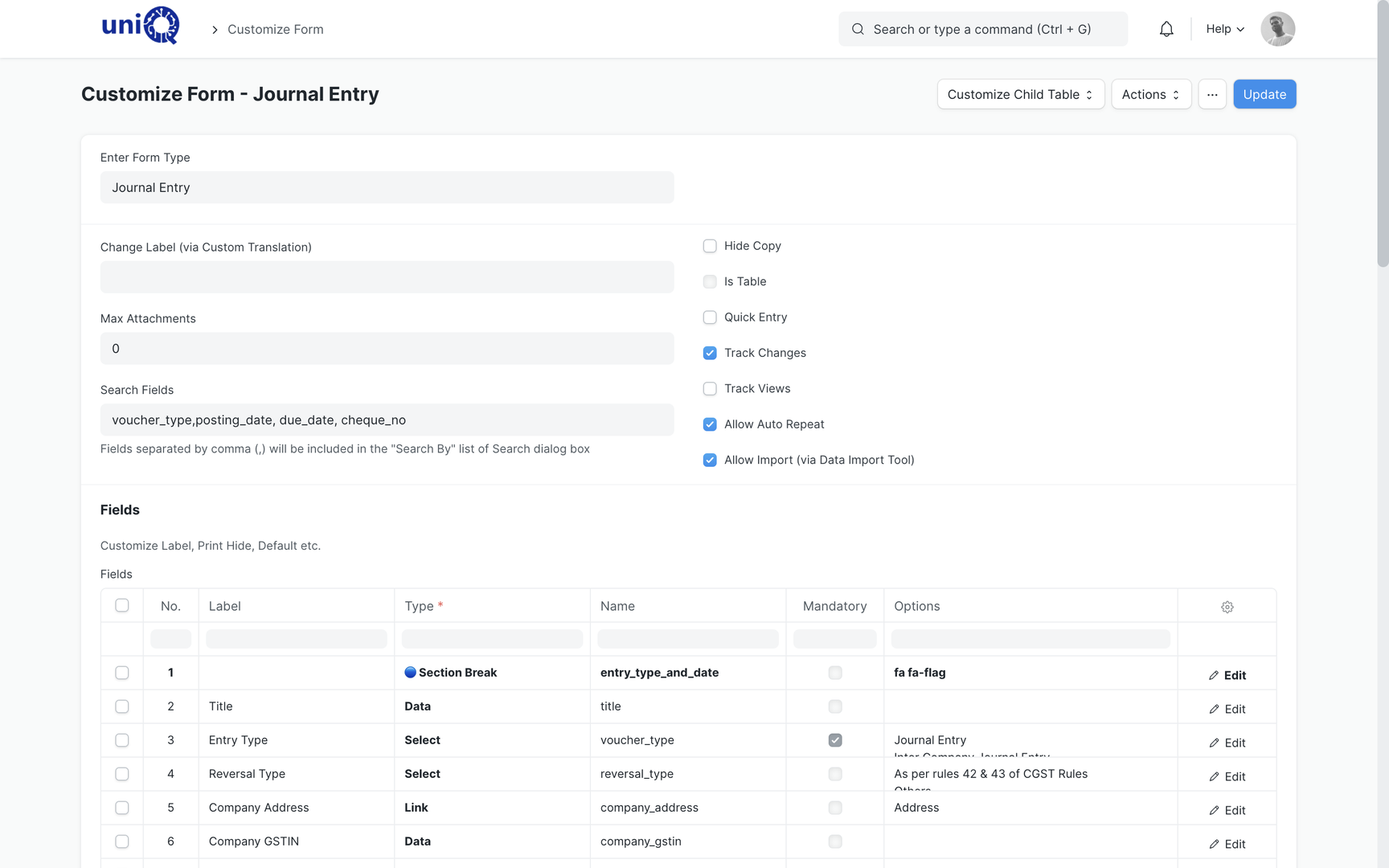
Survey details, measurements, photos and the requirement list are recorded on the opportunity as configured fields and attachments, so estimation starts from facts, not memory.
Estimate, build the BOQ and quote
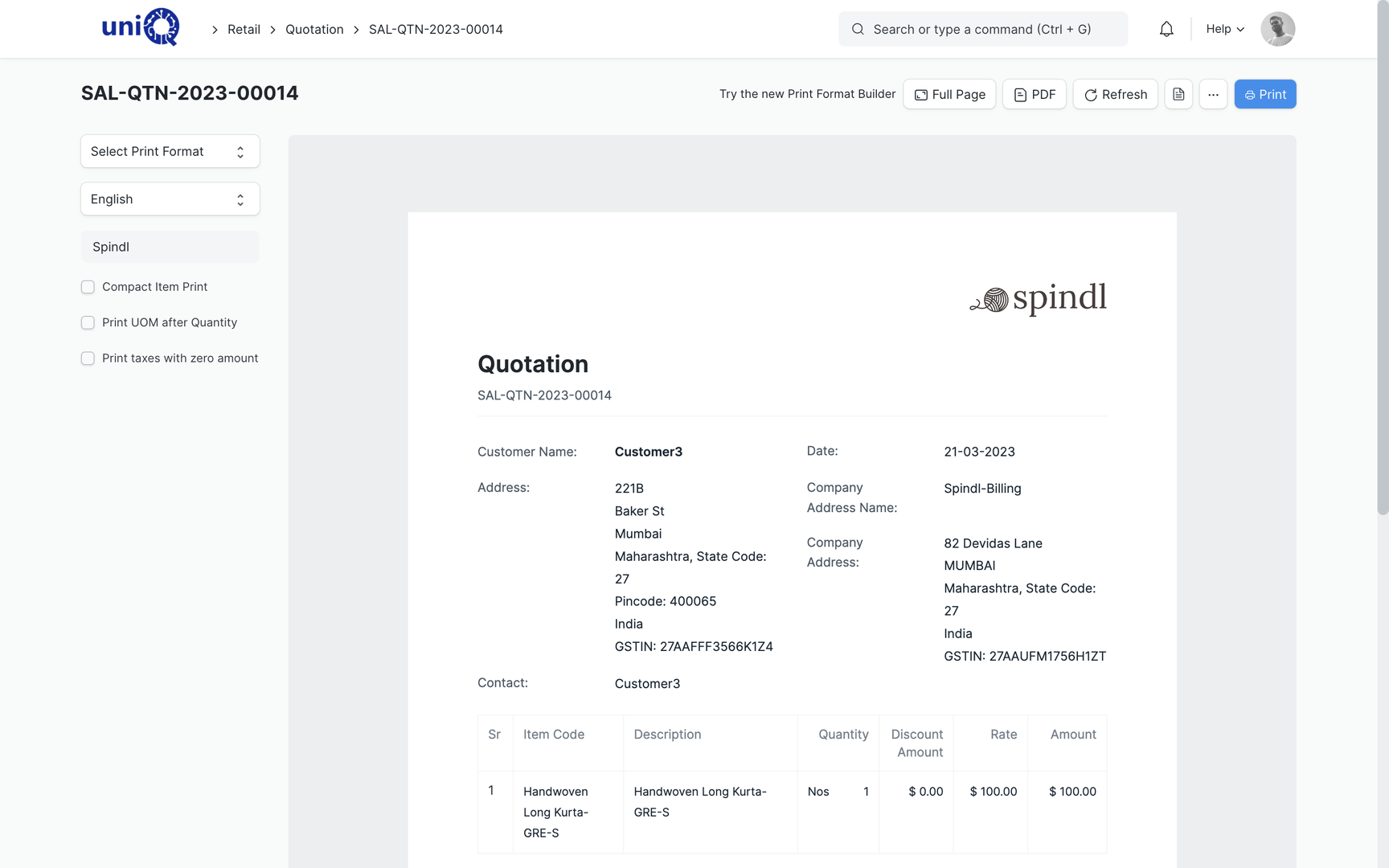
The estimate becomes an itemised BOQ and a quotation with terms and validity. Each revision is a new version; the customer sees a clean document with GSTIN and item lines.
Follow up and negotiate
Reminders and to-dos keep the follow-up on the salesperson's list. Emails, calls and visit notes sit on the timeline, so anyone can pick up the thread.
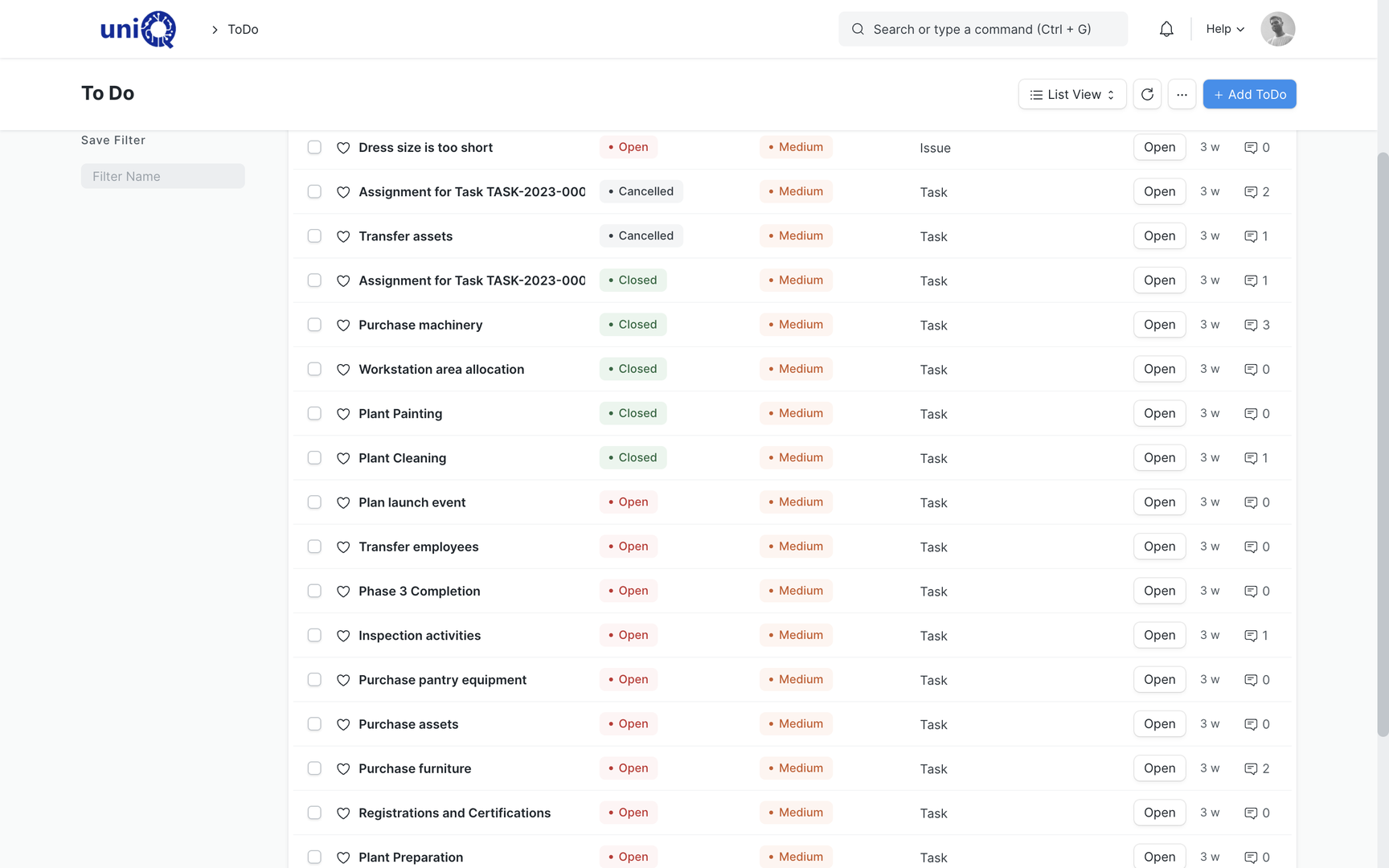
Record the outcome
Won opportunities record the accepted quotation version and the customer PO. Lost ones record the reason and the competitor, so the pattern is visible across the quarter.
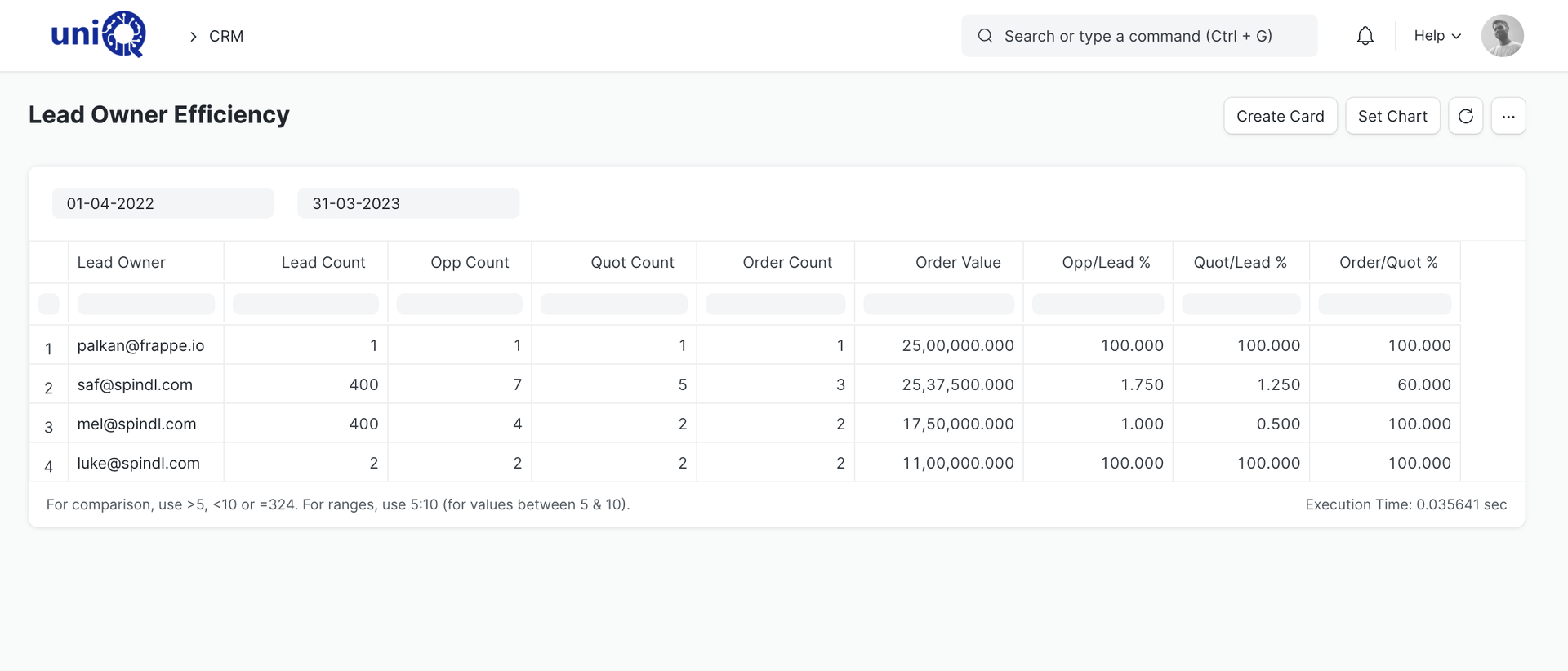
Convert to sales order and project
The customer PO turns the quotation into a sales order and a project in one step. The BOQ, site list and documents travel with it, so execution starts from what was sold.
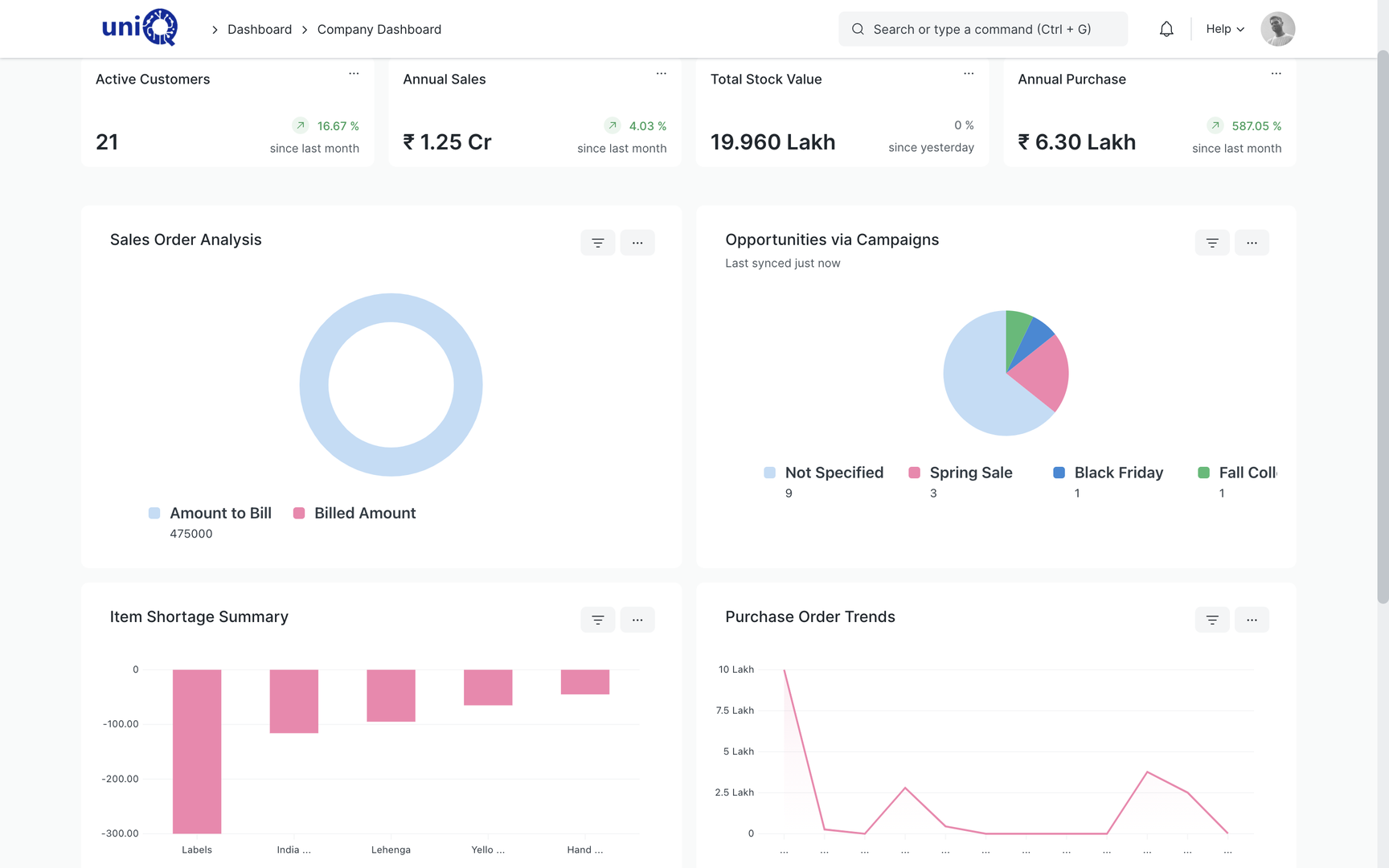
Screens
What your team works in
Layouts, naming and print formats are configured to your business during implementation.
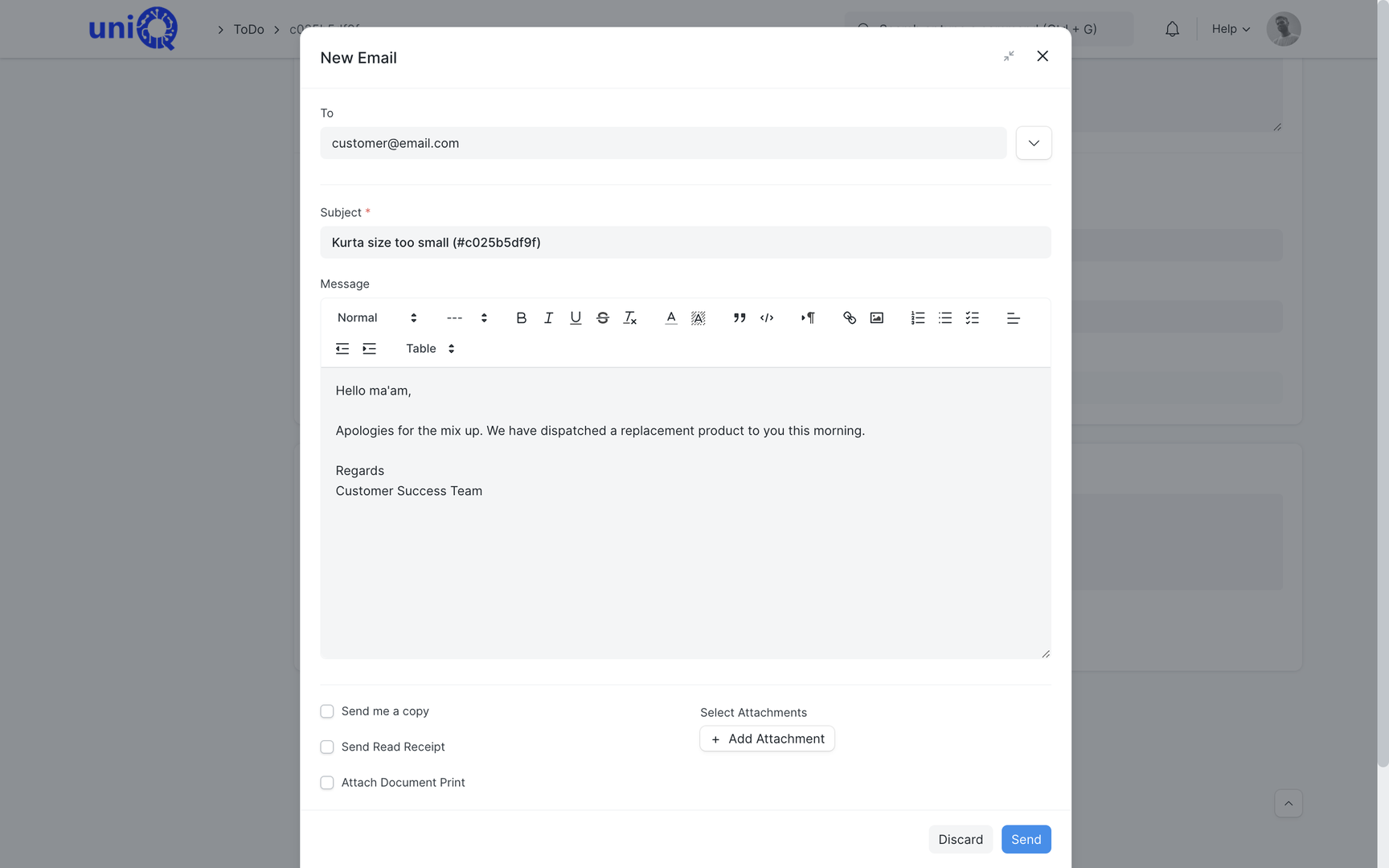
Business outcomes
What changes for the owner and the sales head
- Every enquiry has an owner, a stage and a next follow-up date.
- The pipeline value by stage and by salesperson is a report, not a Monday meeting reconstruction.
- Survey, requirement and estimate are on the opportunity, not on someone's phone.
- Quotation versions are kept, and the version that won is the one production works from.
- Lost reasons are recorded, so pricing and product gaps become visible over a quarter.
- Tender deadlines and submission status are tracked with the documents attached.
- Customer emails and call notes are on the record for anyone who picks up the deal.
- The customer PO becomes a project without re-typing the BOQ or the site list.
Connected
The CRM hands over a project, not a name
What sales records becomes what the rest of the business executes: the BOQ becomes the BOM, the site list becomes the installation plan, and the quotation value becomes the budget the project is measured against.
External integrations, scoped separately
- Email account linking for the sales team's mailboxes
- WhatsApp messaging on leads and opportunities
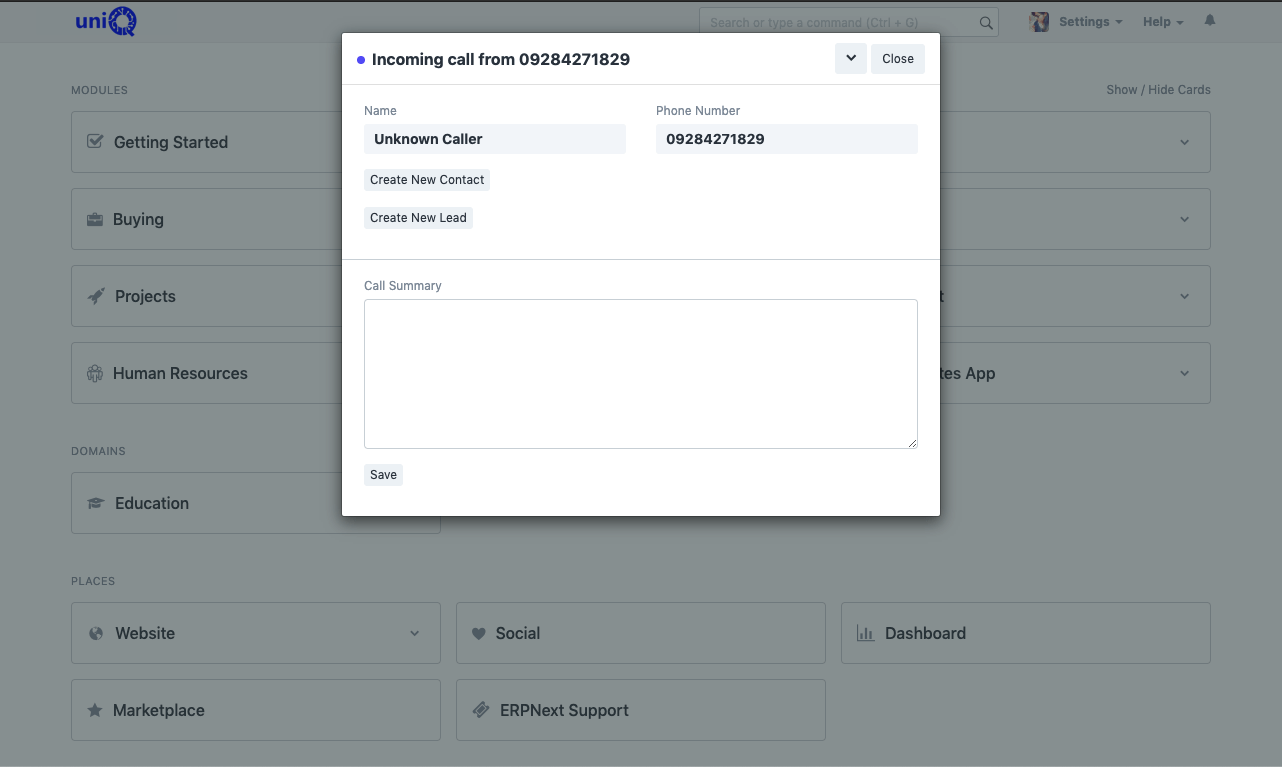
- Telephony call popup and call logging
- Website enquiry form feeding leads directly
Who uses it
Who works in the CRM module
- ODOwner / Director
- SHSales Head
- BDBusiness Development Manager
- SESales Executive
- EEEstimation Engineer
- TCTender Coordinator
- SCSales Coordinator
- PMProject Manager
FAQ
CRM: common questions
How are quotation revisions handled?
Each revision is a new version of the quotation linked to the same opportunity. Earlier versions are kept for reference and the accepted version is the one that converts to the sales order.
Can we track tenders in the CRM?
Yes. Tenders are configured as an opportunity type with deadline, eligibility checklist, document attachments and submission status, so the tender desk and the sales head see the same list.
Is WhatsApp built in?
No. Email account linking is standard. WhatsApp messaging and telephony are added as integrations, scoped separately during implementation.
Where does the site survey go?
Survey fields, measurements and photos are configured on the opportunity, so the estimate and the eventual project start from the same record.
See ClassicNext running your business
A 30-minute fitment call: we understand your current process, show the modules that matter to you, and give indicative pricing. No generic tour.
Prefer to start smaller? Get a process audit or request pricing.